

Connect Detour
Connect the Detour MCP server in ChatGPT or Claude and sign in to your Detour account.
Private maps for your iPhone
Ask your connected assistant to find places for a trip or a day out. Choose what to save. Detour puts those places on a private map you can browse on your iPhone, with notes and directions when you need them.
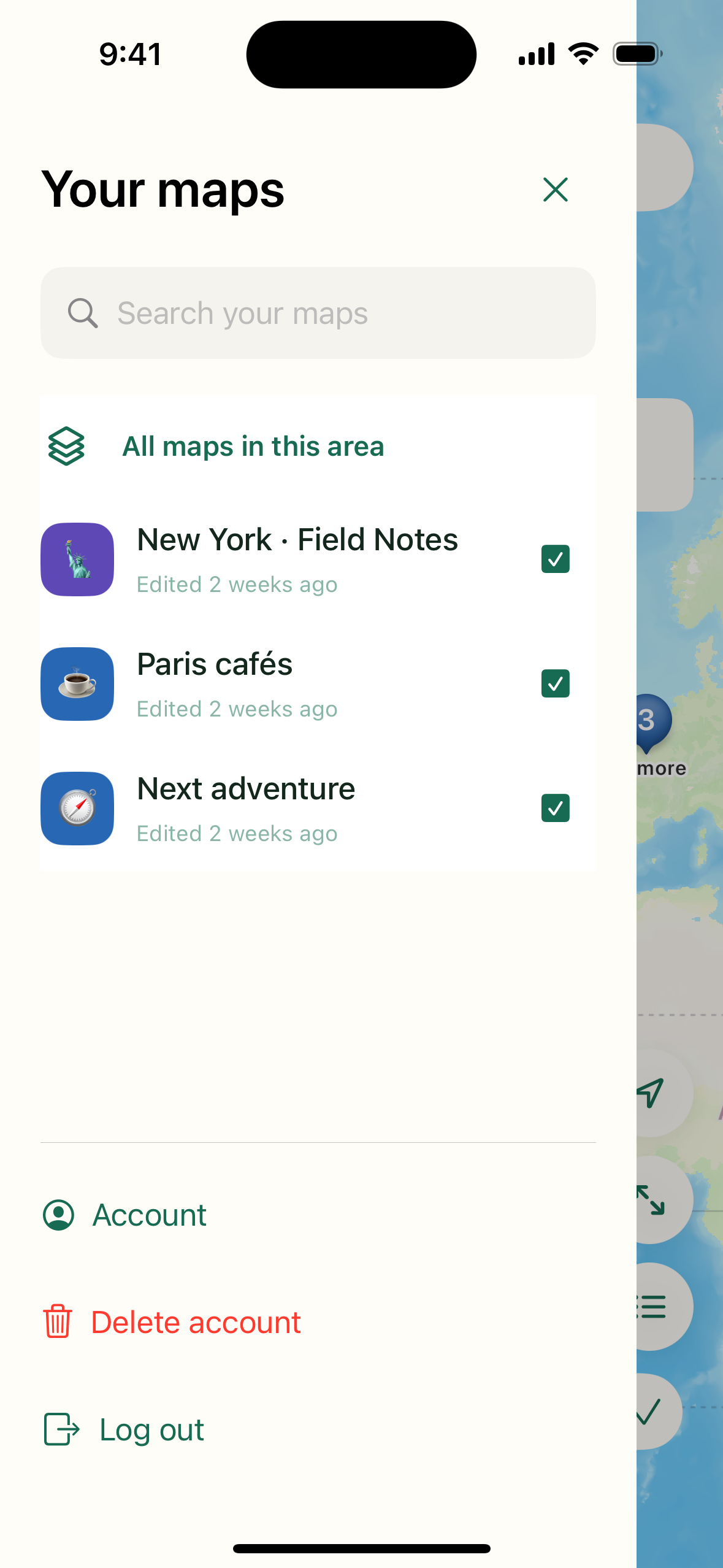
Use the same Detour login in your assistant and the iPhone app to see your saved maps.
How it works
Connect the Detour MCP server in ChatGPT or Claude and sign in to your Detour account.
Try “Make me a map of bookshops in Paris.” Ask to add, change, or remove places as your plans change.
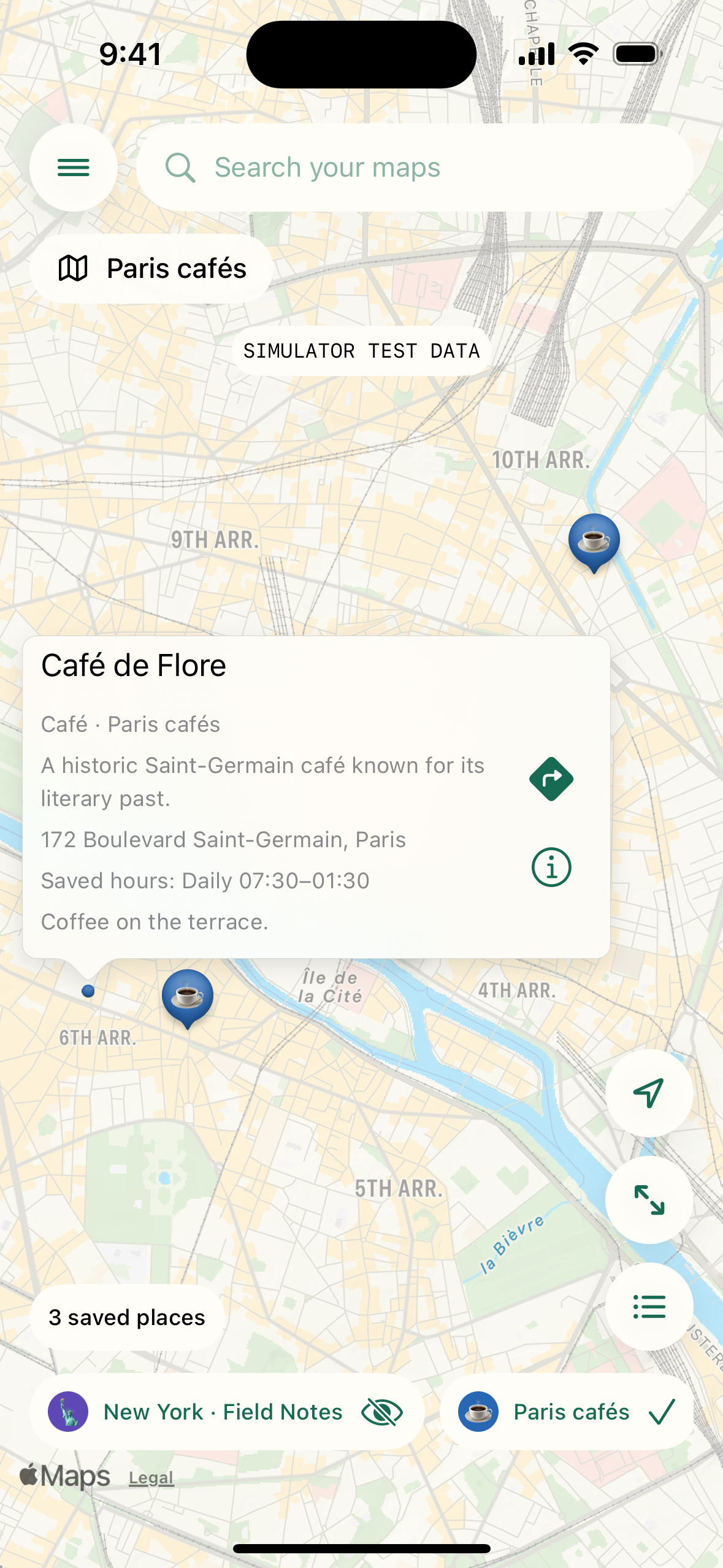
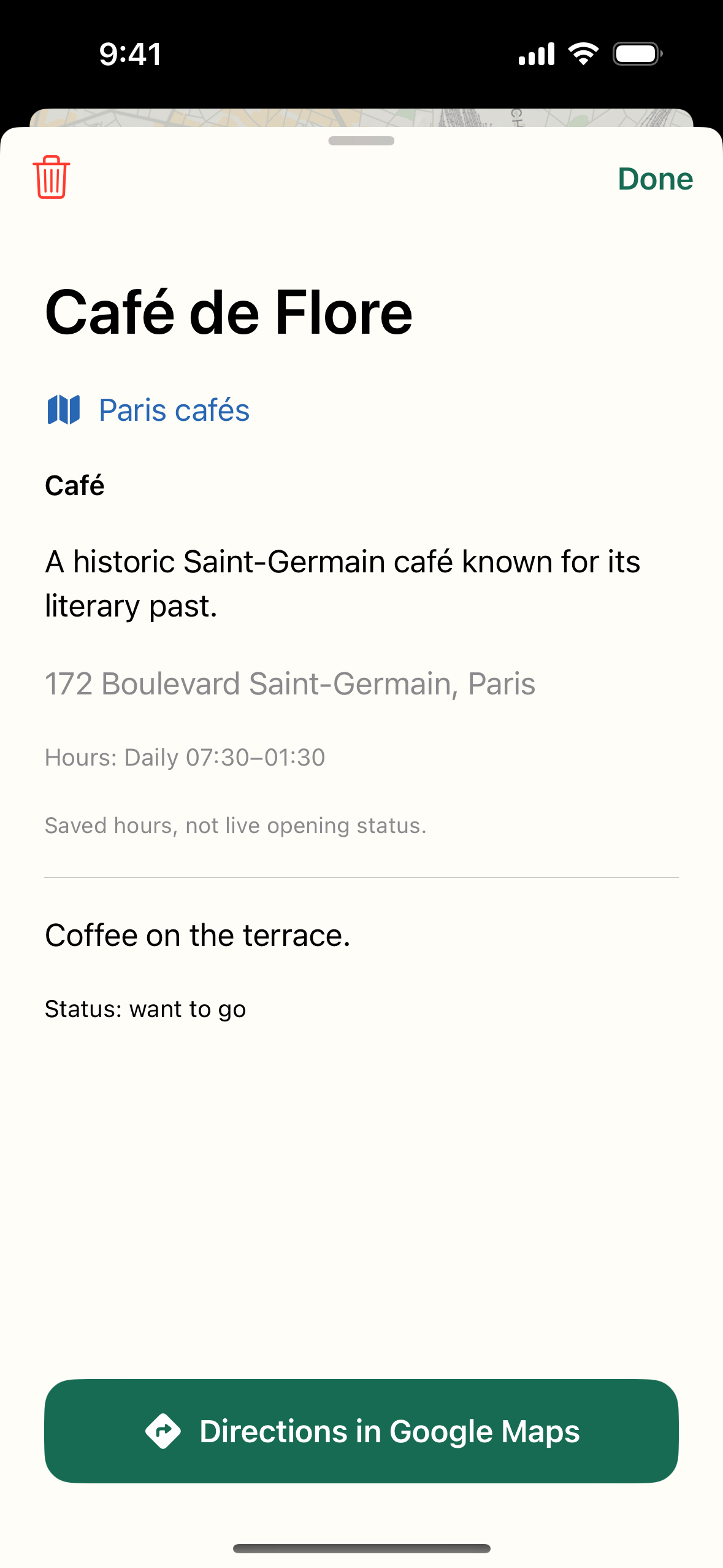
Log in with the same account. Browse your maps and place details, then open directions in Google Maps.
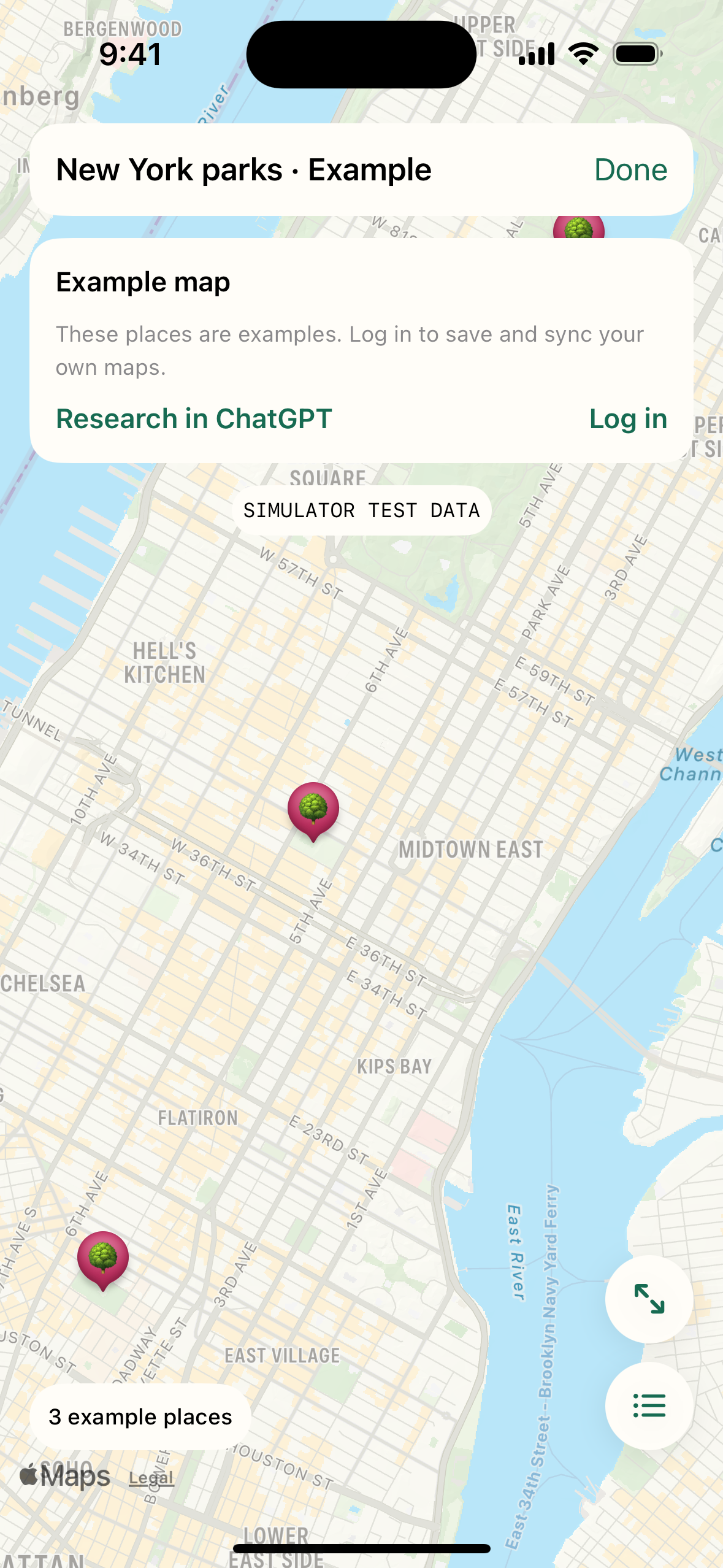
You can explore an example map in the iPhone app without logging in. Saving and syncing your own maps needs an account.
Connect your assistant
MCP is the connection that lets your assistant save places to Detour. Your assistant researches places; Detour stores the ones you ask it to save.
The public ChatGPT listing is still under review. If Detour is not shown, your plan or workspace may allow a custom MCP connection using the server address below.
ChatGPT connection help ↗For Claude Cowork or Claude Code, you can also use the Detour for Claude plugin.
Claude connector help ↗Use this address if your client asks for a remote MCP server URL.
https://api.detour.discomedia.co/mcpWhen the browser opens for Detour, use the same email address you use in the iPhone app. Approve the requested map access to finish connecting.
Inside the iPhone app
These are fresh screenshots from the current iPhone simulator build. They use example or simulator data.
A few useful details
Maps are private. The iPhone app is mainly for browsing; ask ChatGPT or Claude to edit a map. You can also archive or delete maps and remove individual places in the app.